Architecture diagrams in git - Agent Skills
SponsoredSkillry: Agent Skills with taste. Designed and tested in-house, so one prompt gives you polished slides, web pages and launch videos.Skillry: Agent Skills with taste Try free Skills
Agent Skills
  • Skills
  • Picks
  • ShopSoon
  • Solutions
  • Specification
  • Submit
Agent Skills
All picks

Scene picks

Architecture diagrams in git

A picture of the system that can be reviewed in a pull request. Not a pitch deck.
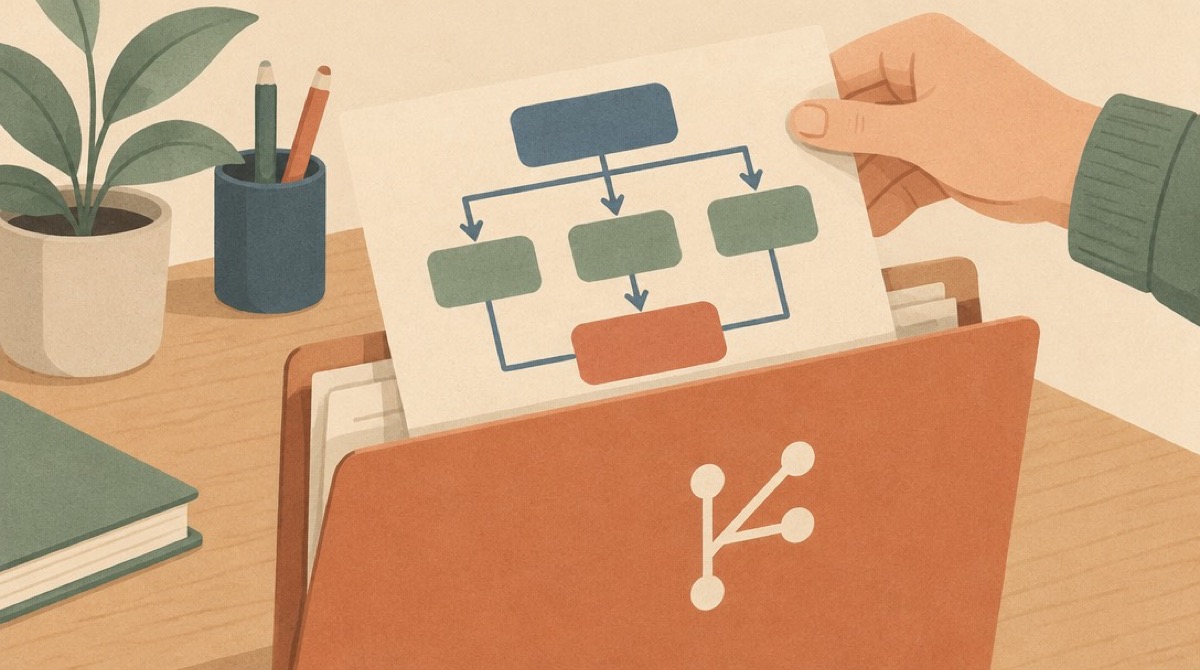
A boxes-and-arrows diagram filed into a git folder

Why these

Start from the audience. Most teams need a context diagram and one container diagram. A whiteboard file and a diagrams.net file solve different arguments. Installing all four and asking for 'a diagram' gives you four formats of the same box.

Install in this order

  1. 1c4-architecture

    First. Context, then container. Stop there unless a developer actually needs the component view.

  2. 2mermaid-diagrams

    Second, when the picture should live next to the code. Flowcharts, sequences, and ERDs. One diagram per question.

  3. 3excalidraw

    Only while the design is still being argued. A .excalidraw file is a whiteboard, not the document of record.

  4. 4draw-io

    Only if the team already has .drawio files. Do not start a new system here.

Not for this

A pitch, a keynote, or a slide image. A C4 diagram is not a slide. If the audience is a customer and the output is a deck, this pick is the wrong tool.

Agent Skills

Discover and share powerful Agent Skills for AI assistants

GitHubX (Twitter)
Skills
  • View All
  • Install Guide
  • Documentation
  • Solutions
  • Product Launch Video
  • Submit
Tools
  • Claude Code
  • Cursor
  • OpenCode
  • Codex CLI
  • Gemini CLI
Resources
  • anthropics/skills
  • awesome-claude-skills
  • vercel-labs/agent-skills
  • kepano/obsidian-skills
Company
  • About
  • Changelog
  • Privacy Policy
  • Terms of Service

Sponsored by Vectrust @ OpenDev Org & NextRouter Alliance

© 2026 EvergreenAI. Built with JimmyLv